PGNI Hospital StorageManagement
Volunteer Lead Developer
A Tauri + Rust + React desktop app that replaced a legacy C# WinForms system for tracking lab reagents and equipment at Ioannina University Hospital (Π.Γ.Ν.Ι.). Volunteer civic-tech work for a Greek public hospital.
Results
- the entire installer, start to finish
- 3.9 MB
- screens, and nothing else to learn
- 5
- ready-made reports with date filtering
- 4
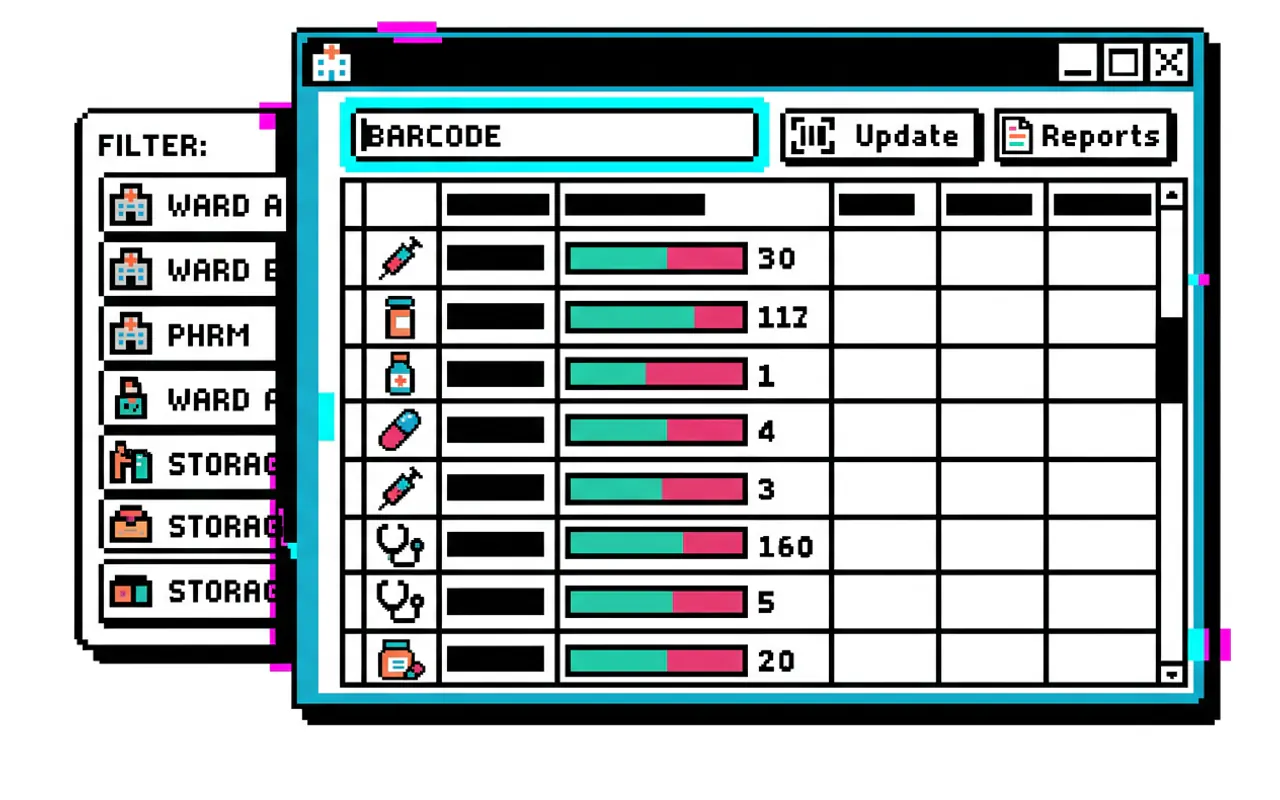
The situation
In one lab at Ioannina University Hospital, the molecular biology unit of the haematology department kept its reagents and equipment in a program written years earlier that nobody had touched since. The lab wanted something that ran on its own machines, without waiting on the IT department and without sending anything outside the building. I took it on as volunteer work and built it on my own. It is in production, in the old system’s place.
Scanning does the work
Lab staff are not sitting in front of a screen. They hold a box in one hand and the scanner in the other, so recording a movement has to fit into a single gesture. One key opens the scan window from whichever screen you are on, the scanner fills in the barcode itself, and the quantity goes up or down with one click.
How it works
- Scanning from anywhere: F2 opens the scan dialog from every screen and focuses the field immediately, so a handheld scanner types straight into it without a click.
- Three endings: one match opens the item, several matches ask for a location, no match opens a new-item form.
- Unique per location: the inventory table carries a
UNIQUE(barcode, location_id)constraint, so the same reagent is counted separately in each storage point instead of collapsing into one number that does not say where it is. - Transfers: a move between locations is written as a single record with a source and a destination, not as a subtraction and an unrelated addition.
Runs with no network, installs with no permissions
The program talks to no server. The data lives in a file on the lab’s own machine, so when the hospital network goes down the stock room carries on as if nothing happened. The IT team downloads one installer and that is the deployment: no database to stand up, no port to open, no account to create anywhere.
How it works
- What gets downloaded: a 3.9 MB NSIS installer, the only bundle target
tauri.conf.jsondeclares. - Where it is allowed to write: the capability manifest grants write access only inside the app’s own data folder, and file saving only to Desktop, Documents, Downloads and the home folder. A wrong path cannot become a wrong file.
- What is absent: not one network call in the whole interface codebase, no HTTP dependency in
Cargo.toml, no auth provider. - The core: Tauri 2 with Rust for the shell, React 19 and Vite for the interface, SQLite through
tauri-plugin-sqlwith Drizzle for the schema. Five tables in total, created on first launch.
What is running out, without anyone going looking
The old list said how many there were. It did not say what was running out, what moved last month, or which reagent the lab actually burns through. The home screen works that out on its own, and whatever is on screen leaves as an Excel file with one button.
How it works
- Five screens: home, stock, activity, reports, settings. Nothing else to learn.
- Four reports: inventory snapshot, movement history, low-stock history and usage, all with date filtering.
- Everything is logged: every addition, removal and transfer is written to an activity table with the quantity and the location, so traceability does not depend on what anyone remembers.
- In and out: CSV import for the initial catalogue load, XLSX export via ExcelJS for the reports and the activity log.
Backups nobody has to ask for
On a machine the lab cannot easily rebuild, the backup cannot be the user’s job. The program takes one itself, and keeps one more immediately before any restore, for the case where the restore was the mistake.
How it works
- When: one backup at startup, unless the previous one is less than half an hour old, and then every four hours by default, configurable from settings.
- Where: a folder inside the app’s own data directory by default, or whichever folder is chosen.
- Before a restore: the restore closes the database first, writes a separate copy under its own prefix, and only then copies over the top.
Links
Related work
- Zosimades Healthcare Ops Stack: other volunteer civic-tech work for a Greek institution, but a full ops platform rather than a departmental desktop app